
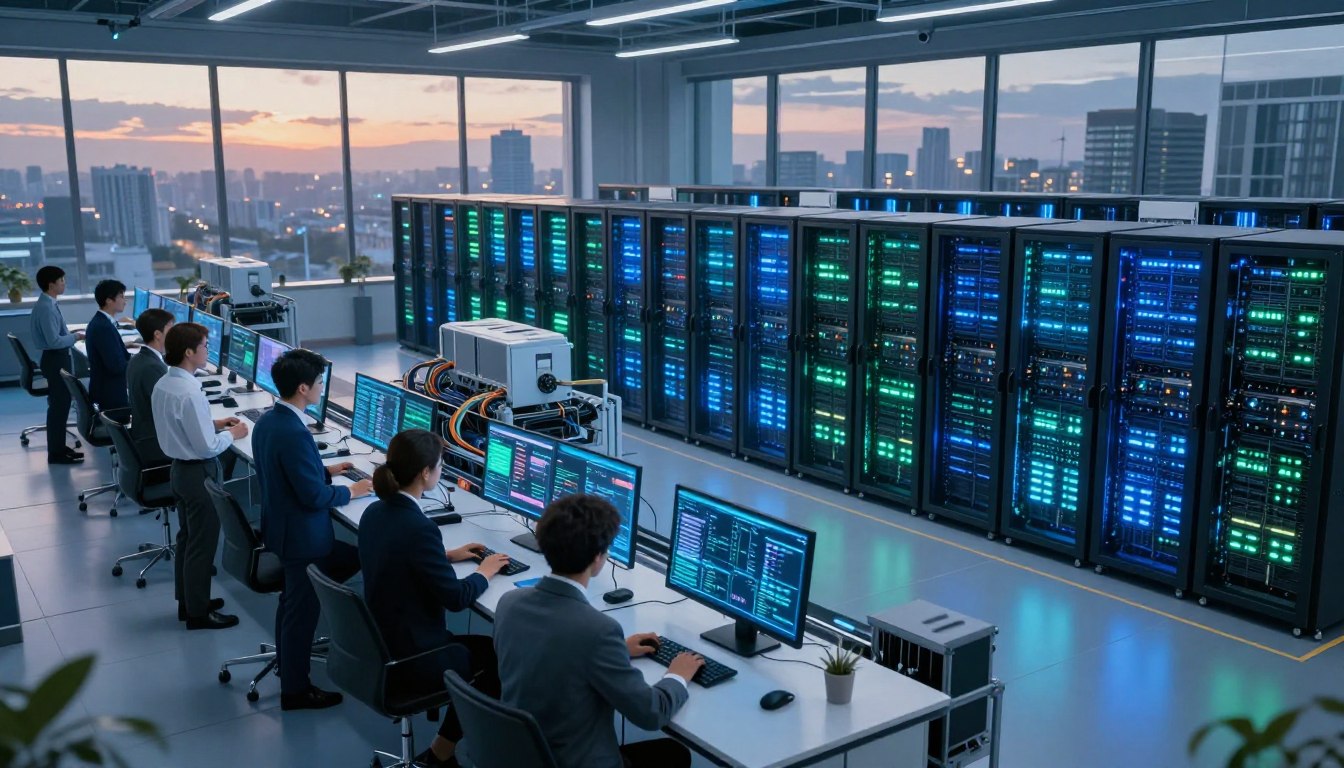




Modern technology is changing fast because machine learning needs a lot of computing power. Rapid innovation makes companies rethink how they set up their hardware. This change affects how they manage energy, cool systems, and make decisions in AI data centers.

We’ll look at how to go from starting to optimizing a system. We’ll talk about the key design choices to keep things running smoothly and save money. You’ll learn how to overcome big challenges through practical testing.
If you want to try out new setups, Toolcats is a great place to start. They offer free Windows VPS access, including a one-month trial. This lets you test your ideas without spending money upfront. Begin building a more efficient and scalable environment today.
Key Takeaways
- Machine learning creates a need for higher computing density.
- Energy efficiency remains a top priority for modern facility design.
- Automated management tools streamline complex operational tasks.
- Toolcats provides a free one-month trial for Windows VPS testing.
- Strategic planning ensures long-term scalability for your hardware projects.
Why AI Is Reshaping Data Center Operations
Modern data centers are changing fast, thanks to AI. This change means we need to rethink how we design, power, and manage our digital spaces.
Define AI’s Role in Modern Infrastructure
AI infrastructure is more than just servers. It includes special hardware for fast data processing. It also needs advanced cooling and power systems.
Without a strong foundation, AI models can’t work well. They need the right setup to scale.
Connect AI Growth With Rising Compute Demand
AI’s growth means we need more processing power. As AI models get bigger, we need even more powerful hardware.
This need forces us to improve our data center operations. If we don’t, we risk slowing down innovation and deployment.
Distinguish AI Training, Inference, and Traditional Workloads
It’s key to know the difference between these workloads. Training needs lots of data and intense processing to build models.
Inference, on the other hand, is about using these models for real-time results. It focuses on predictable latency and handling lots of requests at once.
Explain Why Each Workload Requires Different Resources
Training tasks are very resource-intensive and can take a long time. They need constant access to GPUs or TPUs.
Inference, though, needs a flexible setup that can grow fast. Traditional workloads, like databases or web hosting, focus on CPU and memory.
If you want to try these environments, Toolcats offers a free Windows VPS server. It comes with a one-month trial. It’s a great way to test your setup before scaling up.
How AI Is Changing Data Centers and Server Infrastructure
Artificial intelligence is changing how we build and manage server infrastructure. Old data centers are now becoming places for big tasks. They are no longer just for general use.
Describe the Shift From CPU-Centered to Accelerated Computing
For years, the CPU was the main workhorse of data centers. But, today’s AI training workloads show its limits. Now, we’re moving to specialized hardware for big tasks.
“The future of computing is not just about faster processors, but about the right processor for the right task.” — Industry Analyst
Explain How GPUs, TPUs, and Specialized AI Chips Improve Performance
GPUs and TPUs are key for AI today. They do lots of small tasks at once. This is great for deep learning models that need a lot of work.
Show How AI Influences Server Density and Rack Design
AI chips make servers hotter. So, data centers are changing racks to handle more power. They use cool liquids to keep servers stable under AI training workloads.
Compare General-Purpose Servers With AI-Optimized Systems
Choosing the right hardware is important. Here’s a table showing differences between standard and AI systems:
| Feature | General-Purpose Server | AI-Optimized System |
|---|---|---|
| Primary Processor | CPU | GPU/TPU/NPU |
| Processing Style | Serial | Parallel |
| Memory Bandwidth | Standard | Ultra-High |
Examine AI-Driven Automation Across Infrastructure Management
AI is also changing how we manage server infrastructure. It helps predict when hardware might fail. This cuts down on downtime.
For testing, www.toolcats.com offers free Windows VPS. It’s a safe place to try new things. AI helps manage these tasks, so teams can focus on improving models.
While big projects need special chips, starting with virtual environments is smart. This way, teams can automate tasks and improve models without worrying about hardware. This approach keeps infrastructure efficient and grows with your needs.
Assess Your Workload Before Choosing AI Infrastructure
Starting with a deep look at your needs is key to good planning. A detailed workload assessment makes sure your hardware matches your goals. Without this, you might spend too much on resources or face unexpected slowdowns.
Identify Training, Inference, Analytics, and Virtualization Requirements
Today’s data centers handle many tasks, each needing its own setup. It’s important to sort your needs into different areas for the best results.
- Training: Needs lots of processing power and fast memory.
- Inference: Focuses on quick model use.
- Analytics: Requires fast storage for big data work.
- Virtualization: Needs flexible CPU for many tasks at once.
For AI inference workloads, you need a different strategy than training. Speed and quick response are key. Try a free one-month Toolcats Windows VPS trial to test these workflows before a big buy.
Estimate CPU, GPU, Memory, Storage, and Network Needs
After sorting your needs, figure out the exact hardware you need. It’s important to balance these parts to avoid one weak point slowing everything down.
Calculate Performance Requirements From Dataset Size and User Demand
Your goals depend on how big your data is and how many users you have. Use the table below to match your needs to hardware.
| Requirement | Small Scale | Large Scale |
|---|---|---|
| Dataset Size | Under 1TB | Petabyte Range |
| User Demand | Low Concurrency | High Throughput |
| Network | 1Gbps | 100Gbps+ |
Determine Whether Cloud, Colocation, or On-Premises Infrastructure Fits
Choosing where to host your data depends on what you need. Cloud services offer unmatched flexibility for quick growth. On-premises solutions give you full control over your data.
Colocation is a middle option, letting you own your hardware but use professional data centers. Think about your skills and future maintenance needs before deciding.
Document Budget, Scalability, Compliance, and Availability Requirements
Lastly, write down your non-technical needs to keep your project going. Scalability is key if your data will grow a lot in the future.
Make sure your setup meets all compliance standards for data privacy and storage. Documenting these needs early helps plan your infrastructure’s growth and avoids expensive changes later.
Design an AI-Ready Server and Data Center Architecture
Creating an AI-ready data center is about finding the right balance. It’s about combining raw power with specific needs. Before spending on expensive hardware, try Toolcats’ free Windows VPS and their one-month trial. This lets you test how applications work and manage them remotely.
Choose the Right Compute Architecture for the Workload
Evaluate GPU Servers and Multi-GPU Configurations
GPU servers are key for deep learning and model training. They process data in parallel, handling big datasets fast. With multiple GPUs, you get unparalleled speed for big models or high-res images.
Use CPU-Based Infrastructure for Lightweight AI Inference
Not all AI tasks need a graphics card. For simple AI tasks or apps, CPU-based systems are cheaper. They keep costs down while still handling data quickly.

Build High-Speed Storage for Large Datasets and Model Files
AI models need lots of data, making high-speed storage crucial. Slow storage means your systems wait for data. Use NVMe storage to keep your models running smoothly.
Plan Network Bandwidth for Distributed AI Processing
Distributed AI needs a strong network to move data. High speeds prevent slowdowns during training. Make sure your network can handle the demands of AI clusters.
Reduce Latency Between Compute, Storage, and Application Layers
Fast AI apps need low latency. Close the distance between high-speed storage and compute units. This boosts system efficiency, crucial for real-time tasks.
Design for Scalability With Modular Servers and Virtual Machines
Scalability lets your system grow with your business. Modular servers add capacity easily. Virtual machines offer flexibility to adjust resources as needed.
Establish Redundancy for Power, Cooling, Storage, and Connectivity
Reliability is key for AI systems. Ensure redundancy in power, cooling, and networks. A solid design keeps your AI models running smoothly.
| Feature | GPU-Centric System | CPU-Centric System |
|---|---|---|
| Primary Use | Model Training | Lightweight Inference |
| Performance | High Parallelism | Sequential Processing |
| Cost Efficiency | High Initial Investment | Lower Operational Cost |
| Scalability | Modular GPU Nodes | Virtual Machine Scaling |
Implement AI Infrastructure Step by Step
Switching from theory to practice needs a careful plan. This ensures your setup grows and stays stable over time.
Define the Business Goal and Technical Success Criteria
Know what success means for your company before buying hardware. Set measurable KPIs like how fast queries run, how long training takes, and the cost per query.
Inventory Existing Servers, Applications, and Network Resources
Check your current IT setup to find what’s missing. Knowing your current power helps decide if you can use what you have or need new distributed AI systems.
Select Hardware, Cloud Services, or Virtualized Resources
Picking the right platform is key for good performance. You might mix cloud services for extra power with on-premises for sensitive data.
www.toolcats.com offers a free Windows VPS server for a month. It’s great for testing before big investments.
Compare Purchase Costs With Usage-Based Infrastructure Costs
Buying specialized AI chips costs a lot upfront but saves money later. Cloud models are flexible but can get pricey as your distributed AI grows.
Deploy the Operating System, Drivers, Containers, and AI Frameworks
Keep your software stack the same on all nodes for a smooth deployment. This avoids problems when you scale up.
Configure NVIDIA CUDA, Windows Server, or Linux as Required
Setting up drivers right is crucial for speed. Make sure your specialized AI chips work well with your chosen AI tools, whether on Windows Server or Linux.
Run a Controlled Workload Test Before Production Deployment
Don’t go straight to production without testing. Simulate real traffic in a test environment to check if your setup meets your performance goals.
Document Configuration Changes and Create a Rollback Plan
Keep detailed records of all changes. A robust rollback plan is your backup. It lets you go back to a stable state if something goes wrong.
Optimize Power, Cooling, and Resource Efficiency
Modern AI hardware needs a smart way to handle heat. Server racks are packed with GPUs, making old cooling methods less effective. Now, data center cooling must keep up with the heat from AI work.
Measure the Energy Impact of High-Density AI Servers
AI servers use a lot more power than regular computers. Each rack can use dozens of kilowatts, causing heat problems. It’s important to watch power use closely to avoid overheating.

Match Cooling Capacity to GPU and Server Heat Output
It’s crucial to match your cooling system with your hardware’s heat. If it can’t keep up, your system will slow down. You can test your cooling setup with a free Windows VPS trial from Toolcats.
Compare Air Cooling, Liquid Cooling, and Immersion Cooling
Choosing the right cooling method depends on your setup and budget. Here’s a quick comparison:
| Method | Efficiency | Complexity |
|---|---|---|
| Air Cooling | Low | Simple |
| Liquid Cooling | High | Moderate |
| Immersion Cooling | Very High | Complex |
Use AI to Predict Hardware Failures and Maintenance Needs
Now, AI helps predict when hardware might fail. It looks at temperature and fan speeds to warn technicians. This proactive maintenance cuts downtime and saves energy.
Automate Workload Scheduling Around Capacity and Energy Demand
Automating workload scheduling helps save on electricity costs. It matches compute demand with cooling capacity. This way, your facility stays within its limits and uses resources wisely.
Track Power Usage Effectiveness and Total Infrastructure Costs
Tracking power usage effectiveness (PUE) is key. A lower PUE means more power goes to IT, not cooling. Monitoring PUE helps find ways to save in the long run.
Balance Performance Gains Against Electricity and Cooling Expenses
Every boost in AI performance means more power and cooling costs. Finding the right balance is crucial. This ensures your AI setup is both profitable and sustainable over time.
Secure and Govern AI-Driven Server Environments
AI models are now key to businesses. It’s crucial to secure the server infrastructure. A strong AI infrastructure security plan keeps your data safe from unauthorized access.
Protect Training Data, Models, Credentials, and Customer Information
Your data is priceless in machine learning projects. Encrypt your training datasets to prevent leaks. Also, securing credentials and API keys is essential to protect your resources.
Apply Identity Management and Least-Privilege Access
Access control is vital in server environments. Use the least privilege principle to limit access. This ensures users and apps only get what they need.
Separate Administrator, Developer, Application, and Monitoring Permissions
Role-based access control (RBAC) is key. Admins handle hardware, developers work on code, and apps process data. This separation prevents errors and threats.
Secure APIs, Virtual Machines, Containers, and Remote Connections
AI uses containers and virtual machines. Harden these by patching and closing ports. Use a sandbox like the free Windows VPS from Toolcats for testing, but keep security strict.
Monitor AI Infrastructure for Intrusions and Abnormal Behavior
Continuous monitoring is crucial. Use tools to track logs for unusual activity. This proactive approach helps catch threats early.
Address Data Privacy, Compliance, and Model Governance Requirements
Effective model governance keeps AI systems ethical. Align your infrastructure with regulations to avoid legal issues. Ensure your data practices meet privacy standards like GDPR or CCPA.
Maintain Audit Logs and Document Data Handling Decisions
Keep detailed audit logs for access records. Document your model governance decisions for accountability. This is important for audits and compliance reviews.
Prepare Backup, Disaster Recovery, and Incident Response Procedures
Failures can still happen, even with security. Regular backups of models and data are essential. A good incident response plan helps recover quickly from attacks or failures.
Test AI Workloads With a Windows VPS Environment
A Windows VPS is a great place for engineers to work on AI. It lets developers test their code and settings without buying real hardware.
Use a Virtual Private Server for Low-Risk Infrastructure Testing
Virtual private servers are perfect for trying out new AI tools. They’re safe because you can start over if you make a mistake.
Evaluate Toolcats Free Windows VPS Access
Looking for a cheap way to start? www.toolcats.com offers a free Windows VPS. It’s great for testing apps without spending money.
Review the Free One-Month Trial Terms Before Deployment
Before you start, read the trial terms carefully. Knowing the rules helps you test without breaking any rules.
Confirm Available CPU, RAM, Storage, Bandwidth, and Administrator Access
Make sure the server has enough power for your tasks. Having full control is essential for setting up your AI models.
Prepare a Windows VPS for a Prototype or Remote Application
Setting up your VPS needs a careful plan for security and managing software. A clean start is best for testing.
Connect Through Remote Desktop Protocol and Apply Security Updates
Use Remote Desktop Protocol (RDP) to safely get into your VPS. Always update security right away to keep your project safe.
Install Required Runtime Libraries, Monitoring Tools, and Development Software
After securing your VPS, add the tools you need. These help you see how your app works with the virtual resources.
Run Repeatable Performance and Reliability Tests
Testing the same thing over and over is important. It shows you where your code or setup might be slow.
Record Response Time, Resource Usage, Uptime, and Scaling Limits
Keeping track of your results is key for making good choices later. Log how fast your app responds and how it uses resources.
Decide When to Move From a VPS to Dedicated AI Infrastructure
A free Windows VPS is good for starting, but it has limits. Knowing when to move to a better setup is important.
Recognize GPU, storage, compliance, and high-availability limitations
Virtual setups often can’t handle the special GPUs needed for big training jobs. Also, real hardware is needed for strict rules and always being available.
| Feature | Windows VPS | Dedicated AI Infrastructure |
|---|---|---|
| Primary Use | Prototyping & Testing | Production Workloads |
| GPU Access | Limited or None | High-Performance Dedicated |
| Scalability | Vertical (Limited) | Horizontal & Vertical |
| Cost Structure | Low/Free Trial | High Capital Investment |
Conclusion
Modern data centers need a smart plan for picking hardware. Success comes from matching your compute needs with the right architecture. Whether it’s GPUs or TPUs, your hardware must fit your workload.
Good infrastructure design combines storage, networking, and cooling. It’s key to keep your models and data safe. A careful move from testing to production boosts efficiency and performance over time.
Start by testing simple ideas in a safe space. The Toolcats free VPS is a great place to start. It offers a free month to try out server setups without spending money upfront.
Using a Toolcats free VPS helps you get your tech needs right before buying hardware. After successful tests, you can move to cloud or on-premises setups with confidence. Begin your evaluation today to lay a strong base for your AI projects.
FAQ
How is artificial intelligence fundamentally changing modern data center design?
AI is changing data centers from CPU-centered processing to accelerated computing. This shift means higher rack density and special networking for big data transfers. It also requires advanced thermal management to handle the heat from GPUs and TPUs.
Can I test AI infrastructure and server configurations for free?
Yes. Toolcats offers a free Windows VPS server with free one-month trials. It’s great for testing Remote Desktop Protocol (RDP) and inference workflows before buying expensive hardware.
What is the difference between AI training and AI inference in terms of resource needs?
A: AI training needs lots of accelerator capacity and memory to process big datasets. AI inference, on the other hand, focuses on quick results for users by running data through a model.
Why are GPUs and specialized AI chips preferred over traditional CPUs?
A: CPUs are for general tasks, but NVIDIA GPUs and TPUs are better for parallel processing. They can do thousands of calculations at once, key for AI frameworks.
How do organizations manage the high power and cooling demands of AI servers?
Companies use liquid cooling and immersion cooling instead of air cooling. They also use AI to monitor energy and predict failures, improving Power Usage Effectiveness (PUE).
What security measures are necessary for AI-driven server environments?
AI servers need identity management and least-privilege access. It’s important to secure APIs, virtual machines, and containers with detailed audit logs for data privacy and model governance.
When should a business move from a VPS to dedicated AI infrastructure?
A Windows VPS from Toolcats is good for testing. But, for big GPU needs or distributed AI processing, you’ll need dedicated AI infrastructure or colocation.
What software components are typically required for an AI server implementation?
You’ll need a strong operating system like Windows Server or Linux. Also, NVIDIA CUDA drivers for acceleration and containers or virtualized resources for AI frameworks and apps.

Leave a Reply