
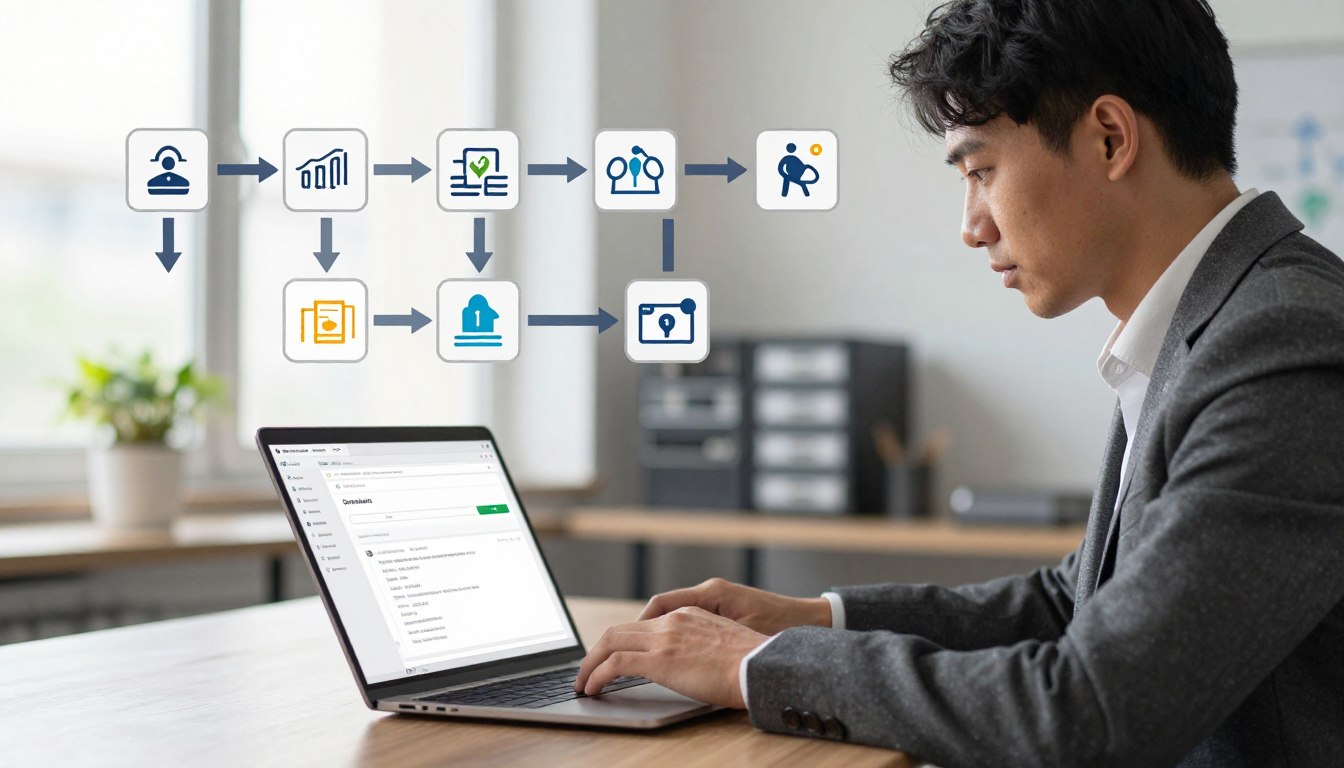




Moving your website address between registrars can seem scary. Many site owners worry that changing providers will make their site disappear or break links for visitors.
But, you can move your web address without any downtime. By using proven professional strategies, you can keep your site running smoothly during the whole process.

This guide will show you the key steps for a smooth transition. We aim to reduce risks so your business stays active and open during the switch. Proper planning keeps your digital assets safe and visible to your audience always.
Key Takeaways
- Verify that your current registrar has unlocked your account for migration.
- Ensure your DNS settings remain active during the entire transition period.
- Obtain the correct authorization code from your existing provider promptly.
- Keep your email services connected by managing MX records carefully.
- Monitor the propagation process to confirm your site remains reachable globally.
Understanding the Domain Transfer Process
Learning how to move your domain is the first step to a smooth migration. Many site owners find the domain transfer process daunting. But, it’s just a way to update your online presence. By understanding the technical steps, you can keep control of your online space during the move.
Why Downtime Occurs During Migration
Downtime happens when your old server goes down and your new one isn’t ready yet. If the setup isn’t right, visitors might see broken links or server errors. This issue often comes from bad timing or not copying data fully during the website migration.
The Role of DNS Propagation
The Domain Name System (DNS) is like the internet’s phonebook. It directs traffic to your server’s IP address. When you switch hosting, you need to update these records to point to the new server. DNS propagation is how long it takes for these updates to spread across the world.
During this time, some users might see your old site, while others see the new one. Managing this change takes patience, as it can take from a few minutes to hours. You can make the transition smoother by setting your Time-to-Live (TTL) settings low before the move. This makes the network check for updates more often.
Preparing Your Website for a Seamless Transition
Getting ready is key to avoiding service breaks. You should check your files, databases, and email settings to make sure they’re ready for the move. A clear plan helps you spot any issues before they hit your live site.
| Migration Factor | Risk Level | Preparation Strategy |
|---|---|---|
| DNS Records | High | Lower TTL values early |
| Database Sync | Medium | Perform full backups |
| Email Accounts | High | Configure MX records |
| SSL Certificates | Low | Pre-install on new host |
By following these steps, you ensure a seamless domain transition that protects your brand. Understanding DNS propagation helps you manage the migration confidently. Good planning is the best way to avoid unexpected technical problems.
Prerequisites for a Successful Domain Migration
A successful domain transfer process starts long before you ask your new provider to begin. Preparing your account settings ensures a smooth transition. This way, you protect your digital assets and keep control over your online presence.
Unlocking Your Domain at the Current Registrar
Most registrars have a “client transfer prohibited” status on domains by default. This is a security feature you need to disable before moving your site. You can find this toggle in your registrar’s dashboard under security or domain settings.
After unlocking your domain, its status will change to “ok” or “active.” This means the domain is ready to move to a new provider. Always check this status change before moving on to avoid your request being rejected.
Obtaining the Authorization Code
You need a unique domain authorization code, also known as an EPP code or transfer key. This code is like a digital password for your domain. Without it, your new registrar can’t verify your identity or transfer your domain.
You can get this code from your current registrar’s control panel. If you can’t find it, contact their support team to have it sent to your email. Keep this code safe, as anyone with it could move your domain without your permission.
Verifying Contact Information and Privacy Settings
Before you start the migration, make sure your administrative contact info is current. The registry will send verification emails to this address. If the info is outdated, you won’t get the confirmation links needed for the transfer.
Also, consider this checklist to get your account ready:
- Disable WHOIS Privacy: Some registrars need you to turn off privacy protection before they release the domain.
- Check Email Access: Make sure you can access the email address in your WHOIS records.
- Review Expiration Dates: Check that your domain is not within 60 days of its initial registration or a previous transfer.
By keeping your contact details up to date, you avoid communication issues that can cause transfer failures. These steps ensure your transition is efficient and secure from start to finish.
How to Transfer a Domain Without Downtime
Transferring a domain smoothly is possible with a well-planned approach. By following a specific order of steps, your site’s uptime remains uninterrupted. This careful planning ensures your visitors don’t notice any service interruptions.
Initiating the Transfer Request
The first step is to unlock your domain at your current registrar. This allows the transfer to proceed. Next, get the domain authorization code, also known as an EPP code. This code proves you have the right to move the domain to a new provider.
After submitting the code to your new registrar, the transfer starts. It’s essential to check your email for any confirmation requests. Quick approval of these notifications helps avoid transfer delays.
Managing DNS Records During the Transition
Managing your DNS records is key to keeping your site online. During DNS propagation, the internet updates to point to your new server. If your records are wrong, your site might be unreachable.
Keep your DNS settings the same until the transfer is confirmed. Mirror your current zone files on the new server. This proactive step ensures traffic goes to the right place, no matter which server is queried.
Synchronizing Files and Databases Before the Switch
Before the final move, make sure your content is the same on both platforms. Synchronize your files and databases to prevent data loss. This step is critical to keep your site’s data up to date.
Do a final database backup right before switching nameservers. This captures any recent changes. After verifying the sync, you can safely move your domain to the new server. Your site will then be fully functional.
Leveraging ToolCats for Reliable Hosting and Security
A good hosting infrastructure is key for a smooth domain migration. The quality of your website hosting services affects your site’s uptime and user experience. Choosing a stable provider makes your transition seamless for visitors.
Benefits of Using ToolCats Free Hosting Services
ToolCats free hosting is great for starting out. It lets you keep your online presence without high costs. Their platform is reliable, keeping your site up and running during the move.
Deploying a VPS Server for Enhanced Performance
As your site grows, you might need more power than shared plans offer. A VPS server performance upgrade helps handle more traffic. With a virtual private server, you get dedicated resources, avoiding slow loading times.
Implementing SSL Certificates for Secure Data Transfer
Security is critical for any website. SSL certificate security is key to protect visitors and keep trust during migration. It ensures secure data transfer between your server and users, important for search rankings and trust.
Configuring Your New Environment at ToolCats
After your domain transfer is done, it’s time to set up your digital space on ToolCats. With ToolCats free hosting, you get a fast and reliable environment. This is the best time to make sure your site is ready for visitors.
Setting Up Your Domain on the ToolCats Platform
Good domain management is key for a professional online look. In the ToolCats dashboard, you can link your domain to your account. This makes sure your site’s traffic goes to the right places.
Having all your services in one place makes managing easier. You can handle SSL certificates and security from this dashboard. This makes things simpler than dealing with many providers.
Mapping DNS Zones to Prevent Service Interruption
Right DNS zone mapping is vital for a stable hosting infrastructure. If your records are wrong, your site might not work. You need to update A records and CNAME entries to the new server IP.
“Testing is the most important phase of any migration; it ensures that your users experience no disruption when you finalize the switch.”
Make sure your MX records are correct if you manage email. A well-set DNS zone means all requests are handled well. This avoids common mistakes during the propagation phase.
Testing Your Website Functionality Before Finalizing
Before you say your site is live, check everything in the ToolCats dashboard. This confirms scripts, images, and links work right. Good website hosting services need this step for a smooth user experience.
| Configuration Task | Primary Goal | Expected Outcome |
|---|---|---|
| Domain Linking | Centralize management | Active domain status |
| DNS Mapping | Prevent downtime | Correct traffic routing |
| Functionality Test | Verify performance | Error-free browsing |
Consistency is important when you’re all set. By following these steps, your move to the new platform will be smooth and safe. Your site will be ready for more visitors with better performance and stability.
Managing Email Services During Domain Transfer
Email continuity is key but often overlooked when moving online. While tech teams handle website files, your business talks through email. Planning for email migration is vital to keep your operations running smoothly.

Backing Up Existing Email Accounts
First, make sure to back up your current emails. Exporting messages and contacts helps if problems come up during the switch. This proactive approach is key for a secure data transfer of your emails.
Most email clients let you save folders to your computer. Make sure all important attachments and sent emails are backed up. Having these records helps you relax while updating your server settings.
Configuring MX Records to Ensure Continuous Delivery
Your email’s path is set by your Mail Exchange (MX) records. Correct MX record configuration tells the internet where to send your emails. If these settings are wrong, you might lose all incoming mail.
Get your new server settings ready before switching. After the domain points to the new host, the updated records will guide emails to the right place. Check every detail to avoid mistakes in hostnames or priority values.
Avoiding Email Loss During the Propagation Period
DNS propagation can take hours, and some servers might look for your old host. To avoid losing emails, keep your old server running until you’re sure the new one is working. This overlap is a best practice to keep all communication flowing.
Watch your traffic closely during this time to make sure secure data transfer is happening right. If you see delays, check your MX record configuration fast to keep email routing stable. By being alert, you can move your email migration without losing any service.
Common Challenges and Troubleshooting During Migration
Even the best website migration plans can hit unexpected bumps. Most moves go smoothly, but technical issues can slow you down. Knowing how to fix these problems keeps your project on track.
Handling Failed Transfer Requests
A registrar transfer failure often stems from simple mistakes. If your transfer is rejected, check your domain status right away. Reasons for failure include:
- The domain is locked in security settings.
- The authorization code is wrong or expired.
- The domain was recently registered or transferred.
Before trying again, make sure your contact info is up to date. Having a working email lets you get approval notices quickly.
Resolving DNS Resolution Errors
Unreachable sites usually point to DNS zone mapping issues. This happens when records aren’t updated right on the new servers. Check that your A records and CNAME entries are correct.
After updating records, remember it can take 48 hours for changes to spread worldwide. Some users might see the old site, while others see the new one. Use online tools to track your record status globally.
Dealing with Registrar-Specific Restrictions
Knowing about unique website troubleshooting needs is key. Some registrars have rules that make domain moves harder. They might need extra checks or have special interfaces for managing transfer locks.
If you hit a block, reach out to your current registrar’s support. They can guide you through their specific steps. Being patient and following their advice is the best way to get past these issues.
Best Practices for Post-Transfer Maintenance
Moving your domain is just the start. After the move, focus on keeping your site running smoothly. Regular care helps avoid common website troubleshooting problems that can pop up after big changes.

Monitoring Website Uptime and Performance
Good website uptime is key for a professional online look. Use tools to watch your site’s availability all the time. If performance drops, check your server logs right away to find the problem.
ToolCats offers strong infrastructure for easy site access in the U.S. and worldwide. Watching your site’s metrics closely helps fix issues before they bother visitors. Proactive monitoring keeps your site running smoothly.
Updating SSL Certificates and Security Protocols
Keeping your SSL certificate security up to date is essential. Make sure your certificates are set up right and auto-renew to avoid expiration issues. A secure site builds trust and keeps data safe from hackers.
Regular security checks keep you safe from new threats. ToolCats has built-in security tools to make this easy. Updating your software is a simple way to protect your site from vulnerabilities.
Optimizing Your VPS Server for Long-Term Growth
Your server environment setup is vital for growth. As traffic grows, you might need to adjust resources for best VPS server performance. ToolCats lets you scale hosting resources to meet demand.
Improving database queries and caching can lower server load. These tweaks keep your site fast and responsive as your business grows. Investing time in optimization now saves effort later.
Conclusion
Moving your web presence needs careful planning and a trusted partner like ToolCats. A smooth migration keeps your brand safe and your site easy to find for all visitors.
You now know how to handle big technical changes with confidence. Make sure your site stays fast and secure by keeping your infrastructure up to date. Regular security updates protect your data from new threats.
Being proactive is key to your online project’s long-term success. Watch your performance metrics to find ways to grow as more people visit. If you need help with complex settings or server growth, contact ToolCats’ support team.
Building a strong base today lets you innovate without worrying about service issues. Focus on giving value to your audience while your hosting takes care of the technical stuff. Your digital journey is set to face any challenge with a solid and optimized platform.
FAQ
Why does downtime typically occur during a domain migration?
A: Downtime happens because of DNS propagation. This is when the internet updates to your new hosting info. To keep your site running smoothly, make sure your files and databases are ready on the new ToolCats server before updating the DNS zones.
What is an authorization code and how do I obtain it?
An authorization code is a special string needed to move a domain. To get it, unlock your domain in your current registrar’s dashboard. Also, update your contact information and privacy settings to allow the transfer.
How can I prevent email loss during the DNS propagation period?
To avoid losing emails, back up all your email accounts. Then, set up your MX records on the ToolCats platform before switching. This way, emails will go to the right server while DNS updates.
What are the benefits of migrating to ToolCats hosting?
A: ToolCats offers free hosting services, fast VPS server options, and SSL certificates. These tools help ensure a smooth move, focusing on speed and secure data transfer.
How do I test website functionality before the transfer is finalized?
Before the big switch, map your DNS zones and use a temporary URL. This lets you check your site on the ToolCats server. You’ll know your security protocols and database connections are working right.
What should I do if I encounter a failed transfer request?
Most failed transfer requests come from registrar-specific restrictions. Check if your domain is unlocked and the authorization code is correct. Then, try again.
How can I optimize my website for long-term growth after the transfer?
After moving, focus on keeping your site up and running well. Use ToolCats to manage your VPS server and update SSL certificates regularly. This keeps your site fast, secure, and ready for more visitors.

Leave a Reply